Automatic
The client's setup, straight through
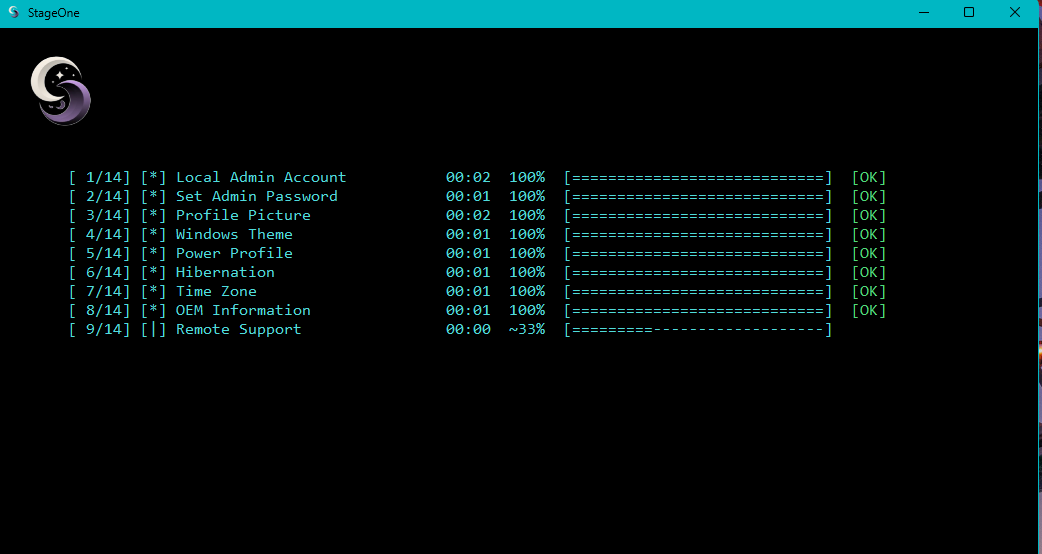
The steps chosen for that client run in order. Each line shows the task and where it finished.
 Umbral Software
Predeployment of business devices, with a setup written for each client.
StageOne is a Windows application for the predeployment of business devices. For each client, you choose which tasks run. Every device in that deployment follows the same list.
The window is laid out like PowerShell, so it is familiar to read and simple to run. Accounts, cleanup, updates, and the rest are the pieces of that setup. You decide which ones belong to the client.
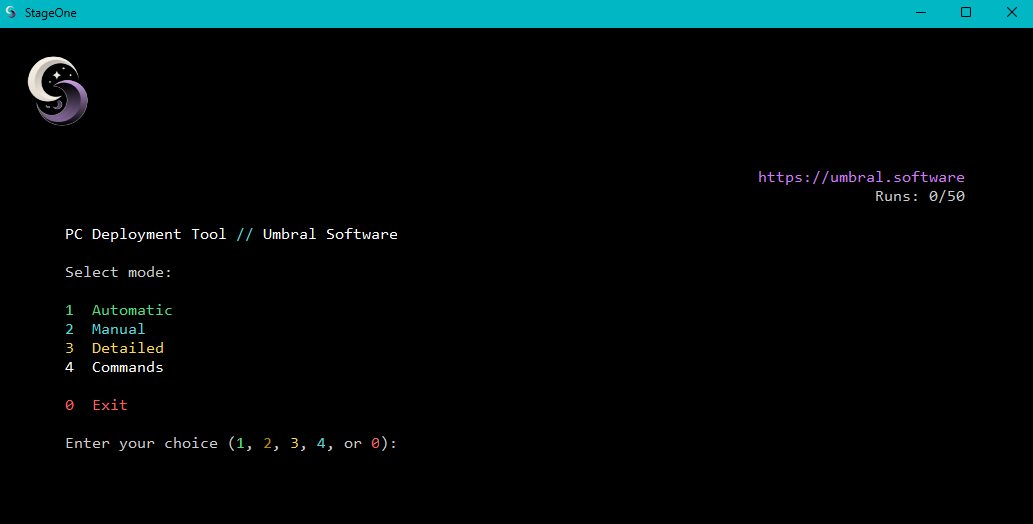
StageOne is the same application on every predeployment. What changes is the setup written for that client.
A technician opens the menu and chooses how that machine should be prepared.
The steps chosen for that client run in order. Each line shows the task and where it finished.
The task list is there for a machine that should not take the full setup. Run a step on its own, then return to the menu.
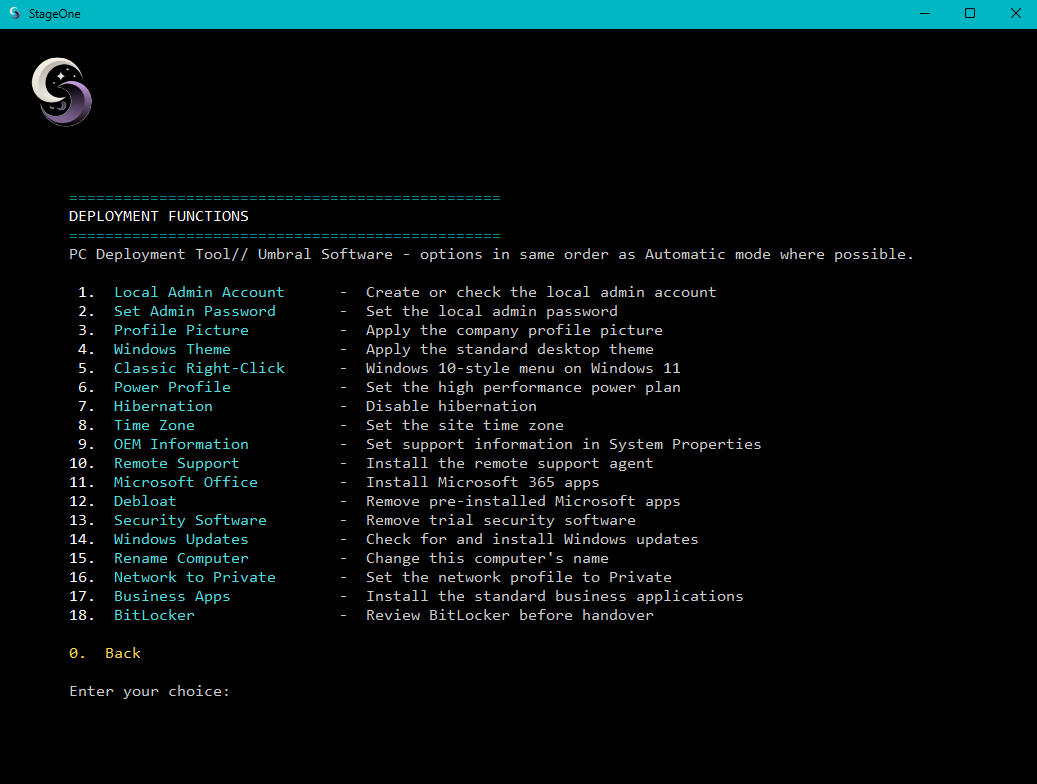
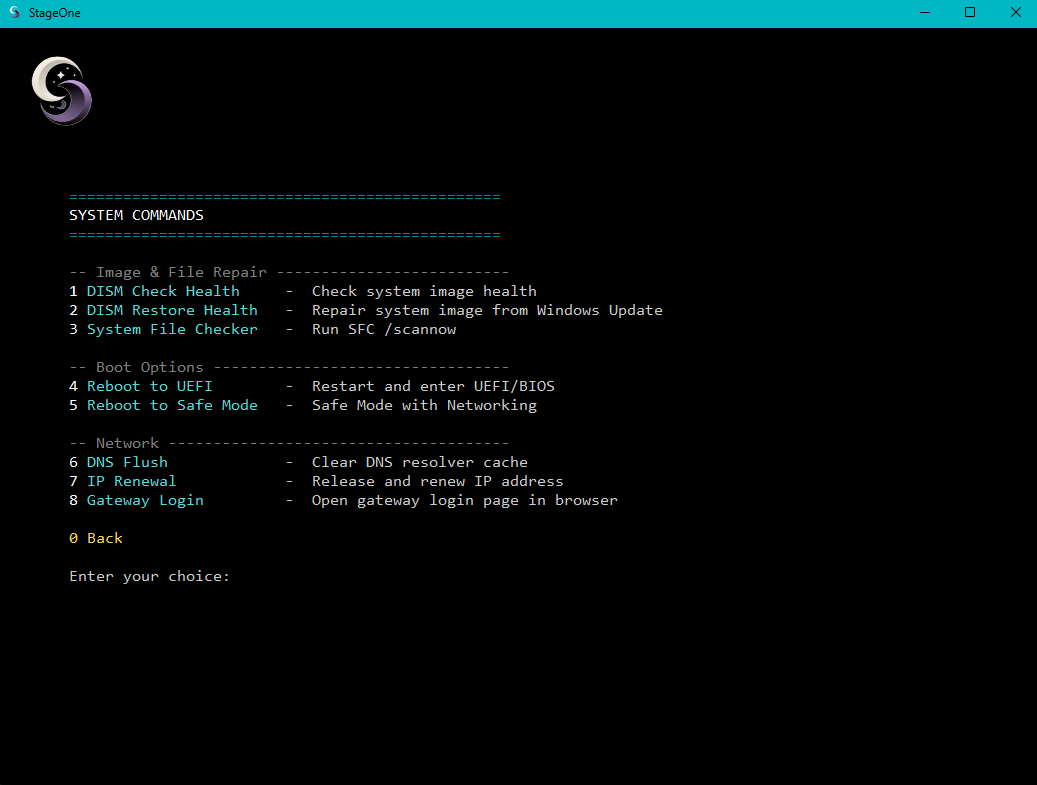
Image repair, boot options, and network tools stay in their own list, so they can be used without starting a client setup.
These are examples. A client's list is whichever of them you keep.
Interested in StageOne for your MSP? We'd love to hear from you — ask anything, and we'll get back to you fast.
If you need support, go here.